Party, Goa Games
party, guide for goa games.
What is Party?
Goa Games Party is a private multiplayer room feature on goagameindia.com that lets you invite specific players, friends, family, or colleagues, to compete at a shared table instead of being matched with strangers in the public lobby. You control who enters, how much everyone puts in, and when the game begins. It is the closest experience to sitting around a real table in Goa with your own group, except the prize money lands directly in your Goa Games wallet the moment the final hand is played.
Party mode supports between 2 and 6 players per room depending on the game selected, and stakes are fully flexible. The host picks the per-player entry amount before anyone joins, you can run a casual ₹10 room for a relaxed evening with family, a ₹50 room for a friends' night, or a ₹500 room for a high-stakes competitive session. Unlike public tables where random opponents affect the mood and pace of the game, every seat in a Party room is occupied only by someone who received your unique room code, making the atmosphere more personal and the competition more spirited.

All Party games on Goa Games are real-money contests. Winnings are credited as hard cash to your account wallet, not as bonus tokens or redeemable points, and can be withdrawn to any linked UPI handle such as PhonePe, GPay, or BHIM, or directly to a bank account, once the KYC verification on your profile is complete. This makes Party a meaningful way to settle friendly rivalries with actual stakes on the line.
How Party Works
Setting up a Party room on Goa Games takes under two minutes. Log in to your account on the app or at goagameindia.com, open the lobby of a Party-eligible game, and tap the Private Table or Party button. Configure three things: the number of seats (2 to 6), the per-player entry fee in rupees, and the round structure if the game supports it. Once confirmed, Goa Games generates a unique 6-character room code instantly. Share that code with your invitees over WhatsApp, SMS, or any chat app, no separate signup link or lengthy registration required on their end.
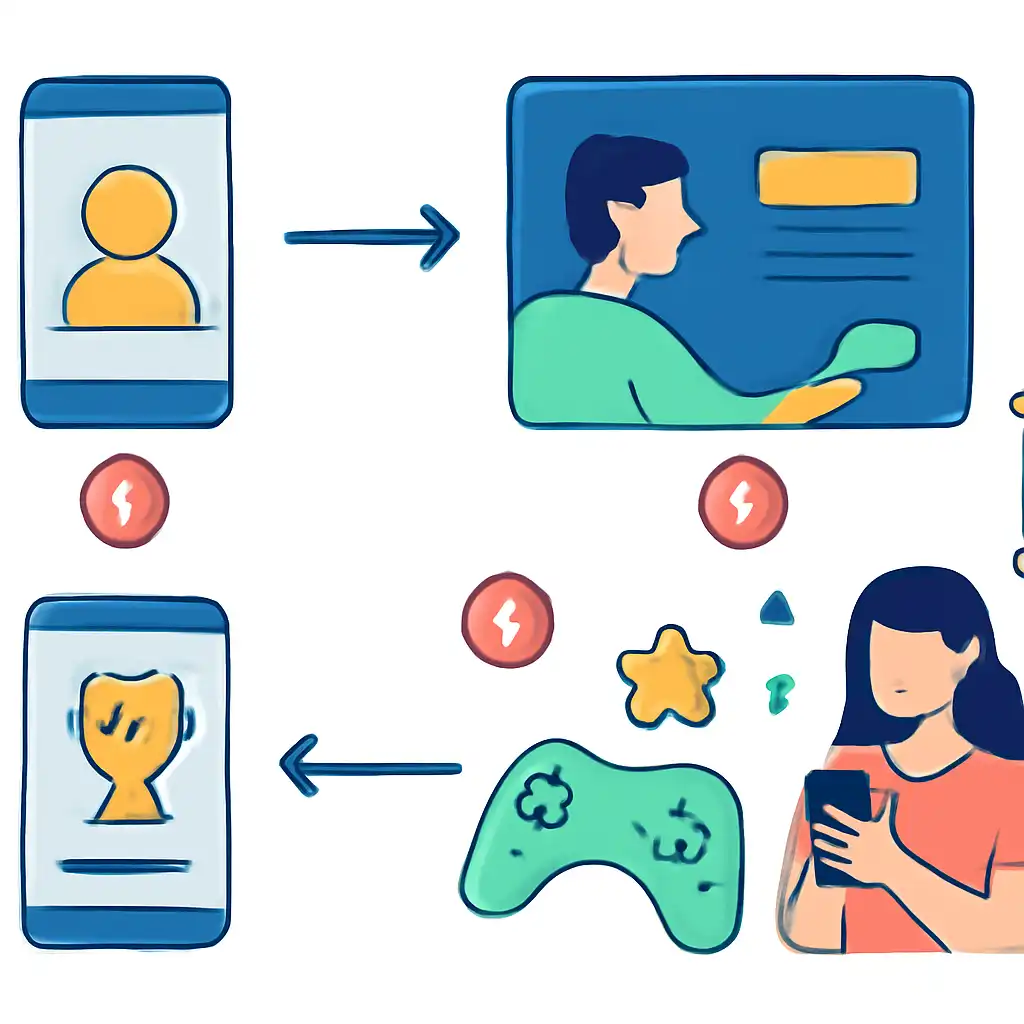
Each invitee opens Goa Games, selects Join Party, enters the code, and the entry fee is deducted from their wallet automatically. The host sees a live seat tracker showing who has joined and who is still pending. When all seats are filled, or you decide to start with fewer players, tap Start Game and the match begins with no countdown delay. At the end of the session, the total prize pool minus the platform fee is distributed according to the game's winning rules and credited to the winner's wallet in real time, typically within 10 seconds of the final result.
Ask every invitee to top up their Goa Games wallet before you share the code, accepted methods include PhonePe, GPay, BHIM UPI, and debit cards. Room codes expire after 15 minutes of inactivity, so coordinate your group on WhatsApp first, then generate the code when everyone is ready to avoid having to restart the setup process.